

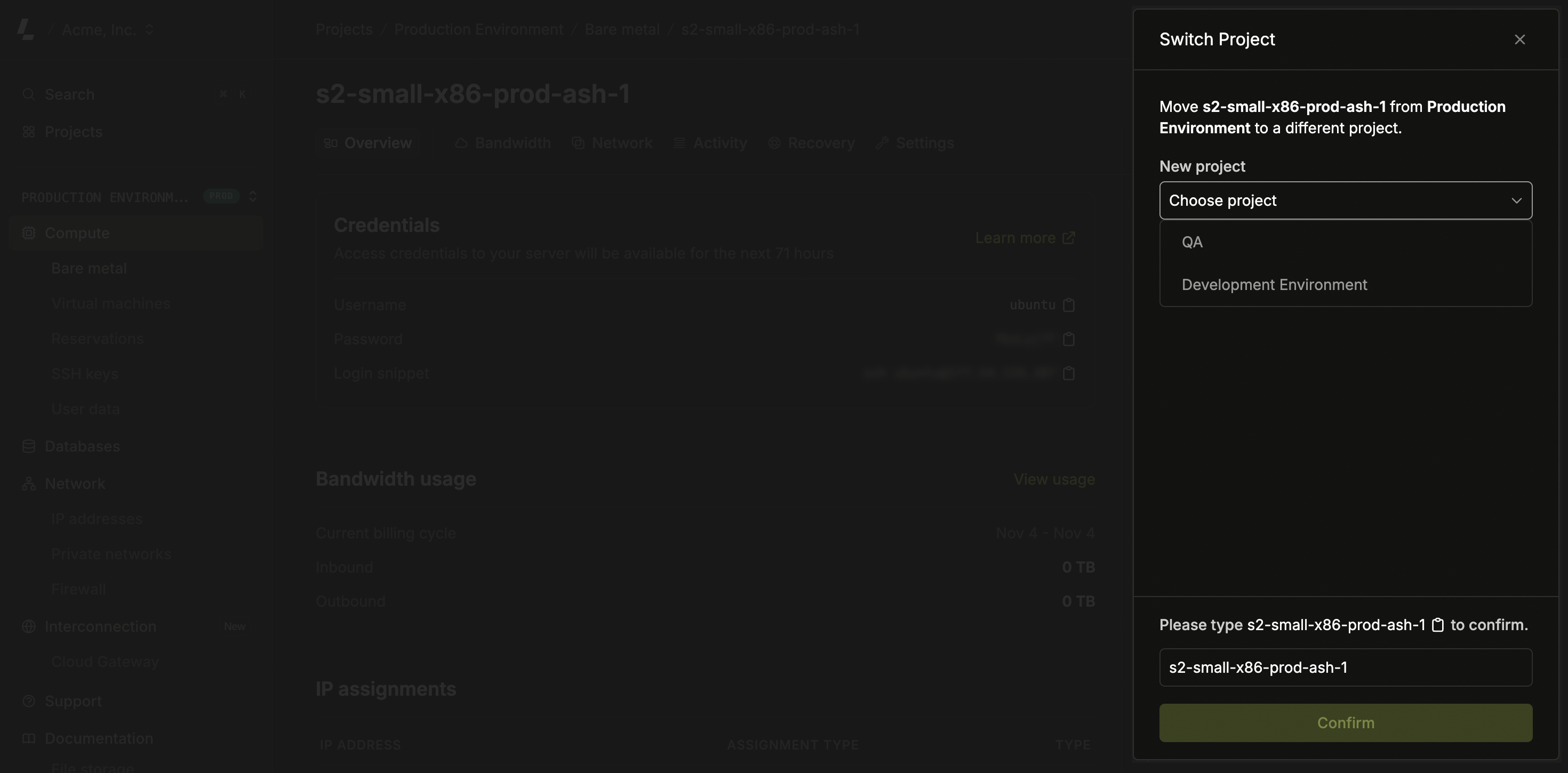
- The destination project must have the same billing option (On Demand or Reserved) as the server’s current project. See On demand vs. Reserved.
- Projects under a custom contract aren’t available as a destination.
- For on-demand servers, usage counting stops for the previous project and starts for the new one.
- For monthly reserved servers, you get a credit for the remaining time from the previous project and get charged for the full month for the new project.
- Yearly reserved servers are not supported. Please contact the team if you need to move a project under contract.